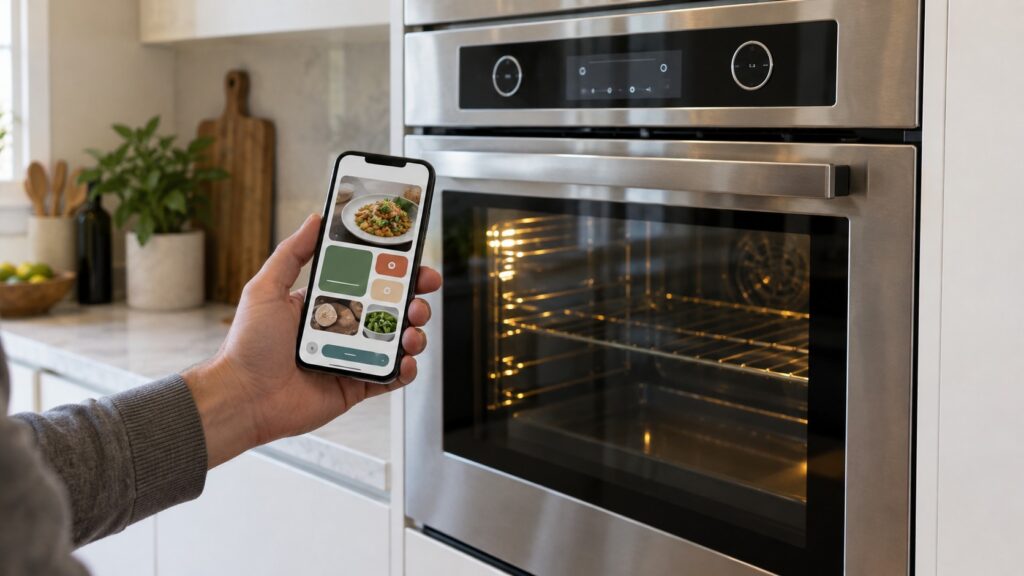
TL;DR: WiFi connectivity on a KitchenAid Smart Oven+ such as the KOSE900HSS or KOCE900HSS lets the oven talk to a phone app over the home network — for remote status checks, cook notifications and firmware updates — but the WiFi module is a separate add-on system layered onto the oven’s normal controls, not a replacement for them. When something in the smart features stops working, the oven itself is almost always still fine; the fault is usually in the network connection or the module, not in the heating system underneath it.
How does WiFi connectivity work on a KitchenAid Smart Oven+?
A KitchenAid WiFi-connected oven like the Smart Oven+ KOSE900HSS pairs a WiFi module inside the appliance with a home network and a companion phone app. Once paired, the module reports the oven’s status — preheating, at temperature, a cycle finishing — to the app, and can receive a limited set of commands back, such as starting a preheat remotely before you arrive home. The module is a communication layer sitting alongside the oven’s own control board; it reads status from that board and passes commands to it, but it does not replace the board’s job of actually driving the heating elements or reading the oven’s temperature sensor.
This separation is deliberate and matters for troubleshooting. The oven’s core safety systems — temperature limiting, door lock logic during self-clean, sensor fault detection — are designed to keep working exactly the same way whether the WiFi module is connected, disconnected, or was never set up at all. A KitchenAid Smart Oven+ with WiFi turned off or never configured heats, bakes and self-cleans identically to one that is fully connected; the smart features add convenience on top, not a dependency underneath.
What can you actually do with WiFi connectivity on these models?
The practical features center on remote awareness and light remote control rather than full remote cooking. Typical functions include getting a notification when the oven reaches temperature or when a cycle finishes, checking current oven status from another room or away from the house, and starting a preheat cycle remotely so the oven is ready when you begin cooking. On combination models like the KOCE900HSS, which pairs the wall oven with powered attachments for grilling, stone cooking and steaming, the app can also surface which attachment mode is active. None of this changes how the oven cooks — it changes how much you need to be standing in front of it to know what it is doing. Firmware updates delivered over the same connection are the other quiet function worth knowing about: they generally patch app behavior or add minor scheduling features rather than altering how the oven heats, and a stalled or failed update almost never affects cooking performance on its own.
Why does the app sometimes show the oven as offline when it is working fine?
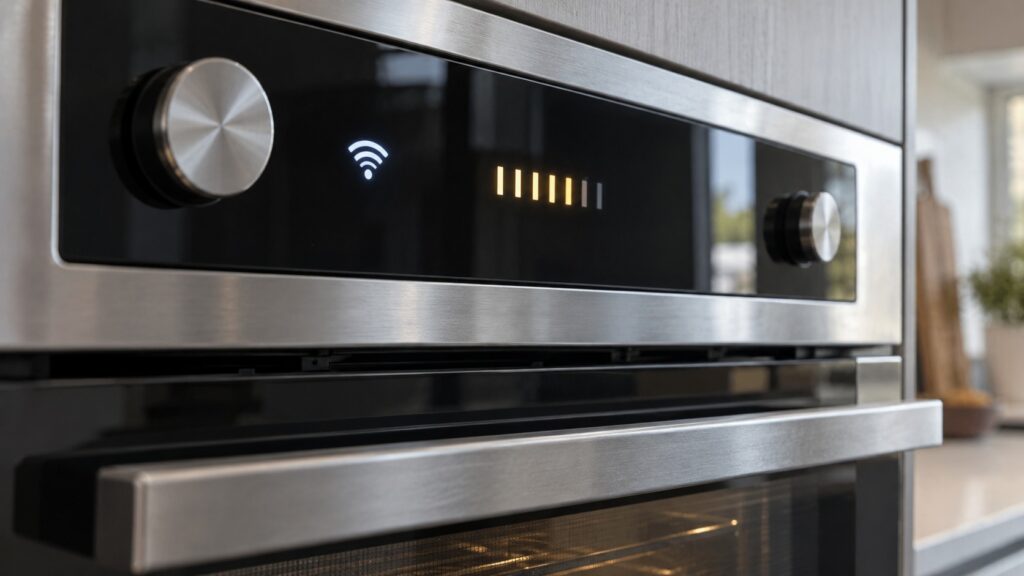
An oven showing “offline” in the app while the control panel itself responds normally and heats correctly is a network or module issue, not an oven fault. The most common causes are a home router that changed its Wi-Fi password or channel without the oven being re-paired, the oven’s WiFi module losing its connection after a power outage or breaker trip, or the home network operating on a 5GHz-only band that the module’s radio does not support. In every one of these cases, the fix lives in the network settings or the pairing process in the app, not in the oven’s control board or heating system. Confirming the oven’s own panel still preheats and bakes correctly is the fastest way to rule out a hardware problem before spending time on network troubleshooting.
Does a WiFi problem ever affect how the oven actually cooks?
No — and this is the detail worth understanding before assuming a smart-feature glitch is a cooking problem. Because the WiFi module sits alongside the main control board rather than inside the heating control loop, a lost connection, a failed pairing, or an app that will not load cannot change how the oven heats, how accurately it holds temperature, or whether its safety interlocks function. If an oven is genuinely not heating correctly, not reaching temperature, or showing a fault code on its own display, that is a separate mechanical or electrical issue and worth diagnosing on its own terms — see our guide to oven not heating evenly rather than assuming a firmware update will resolve it.
What should you check if the WiFi features stop working?
- Confirm the oven itself still works from the control panel — preheat, set a temperature, and watch it climb normally. If this works, the heating system is fine and the issue is isolated to connectivity.
- Check whether the home network changed recently — a new router, a changed password, or an internet provider switch can silently break the pairing without any error appearing on the oven itself.
- Re-pair through the app following the manufacturer’s setup steps rather than assuming a factory reset of the oven is required — most connectivity issues resolve at the network and app level, not inside the appliance.
If the oven’s actual cooking performance is fine but the smart features will not reconnect, that is a network-side issue outside the scope of an appliance repair. If instead the KOSE900HSS or KOCE900HSS itself is not heating correctly, has an inconsistent temperature, or is showing a fault code, our technicians diagnose the heating system and control board directly through KitchenAid oven repair. For more on how the combination wall oven’s attachments and heating system work together, see our guide to the KitchenAid combination wall oven. Schedule a visit if the oven itself, not just the app, is not behaving the way it should.