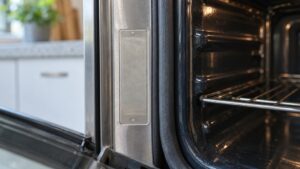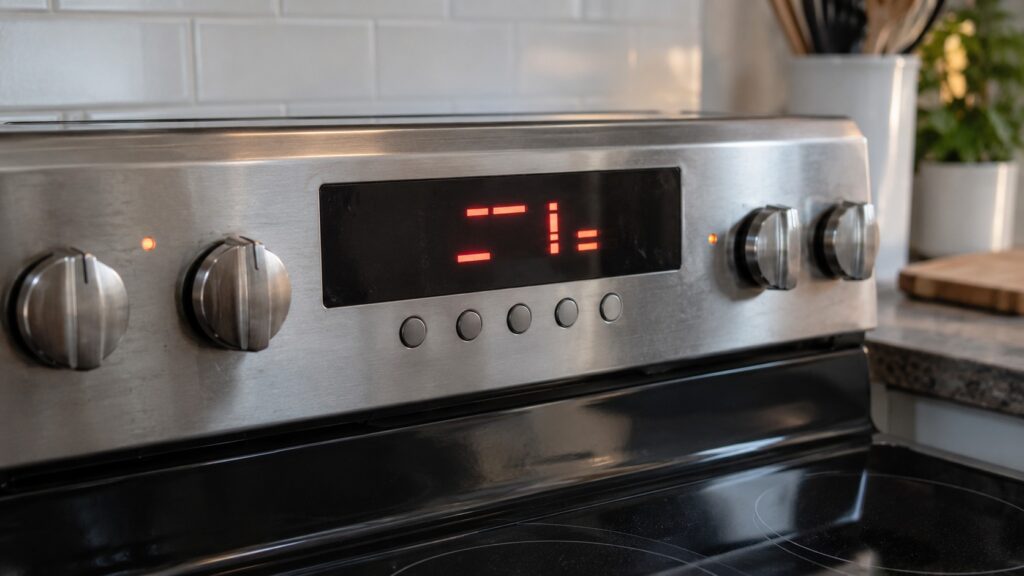
KitchenAid F and E error codes are written in two parts, and each part answers a different question. The F number tells you which system the oven or range is complaining about, such as a temperature sensor, a door latch or a relay. The E number narrows it down to the exact part or the direction of the failure, such as the upper or lower sensor or a latch that will not lock versus one that will not unlock. Read the two together and you can tell a twenty-minute reset from a part order before you touch anything.
What do the F and the E mean in a KitchenAid error code?
Across the codes on our KitchenAid oven and range pages, the F number is the family and the E number is the detail. That pattern is consistent enough to be useful: every F3 code concerns an oven sensor, every F5 code concerns the door latch and every F7 code concerns a relay. Once you know the family, you already know which part of the appliance to think about, even before you look up the exact code.
Many displays show the two halves one after the other rather than side by side, so you may see F3 flash, then E0, then F3 again. If you only caught half of it, wait a few seconds and read it again before you search for the code. Writing the whole pair down matters, because F7 E1 and F7 E5 share a family and still call for different parts.
How are the F families grouped?
You can read the families as four broad groups, and the group tells you how urgent the problem is:
- Sensors and temperature (F3, F9). The control is either not getting a clean temperature reading or has seen the oven run too hot. Both limit or stop the oven for safety. Keep the oven off and do not try to bypass the control.
- Door and latch (F5). The control cannot confirm whether the door is locked. This usually shows up around a self-clean cycle.
- Controls and communication (F1, F2, F6). The memory, keypad or the link between boards is not working. These are board-level faults, and a power reset sometimes clears a temporary one.
- Relays (F7). A relay that switches an element or burner is stuck. This can leave an element energized when it should be off, which is why it deserves attention.
What does the E number add?
The E number answers the question the F number leaves open. Take the sensor family. F3 E0 on the oven page points to an open circuit in the upper oven sensor, F3 E1 on the range page points to a shorted sensor, and F3 E2 on the oven page points to an open lower oven sensor. A technician checks the same kind of part each time, but at a different oven and with a different kind of failure, and the replacement part is different.
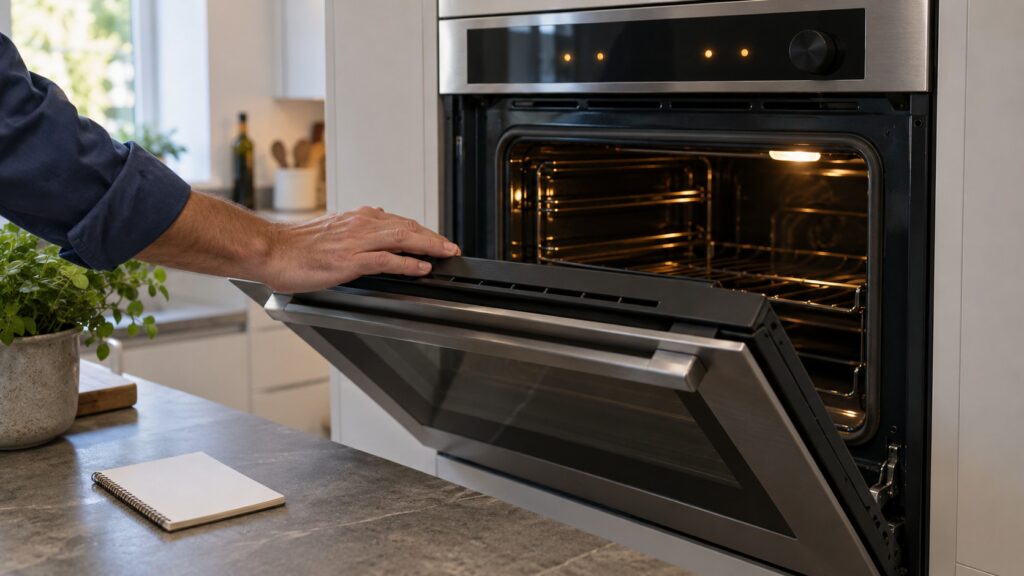
The door latch family works the same way. F5 E1 tells you the latch will not lock, and F5 E2 tells you it will not unlock, which is the situation where the door stays locked after a cleaning cycle. Those two call for different checks even though the part is the same latch motor and switch. The relay family adds a location: E1 is the bake element, E5 the left rear burner and E6 the right rear burner. For a closer look at one of these, see our guide to a KitchenAid range F7 E1 stuck bake element relay.
Why is F30 not the same as F3 E0?
This is the most common misreading. A code with two digits after the F, such as F30 or F31, is a single code and has no E part. On our KitchenAid oven pages, F30 means the steam water tank is empty and F31 means a steam generator sensor failure, and both belong to steam ovens. They have nothing to do with the F3 sensor family above, even though the first characters look alike. If the display shows F30, do not search for F3 E0. Check whether your oven has a steam feature and read the steam oven page instead.
Dryers and washers use a different style again. A KitchenAid dryer reading F70 is a single code, and dishwashers often use number pairs such as 8-1. The F and E format described here belongs to ovens, ranges, cooktops and a few refrigerator codes.
How do you see and clear a KitchenAid error code?
The code appears on the control display, so a dead display cannot show it. If the screen is blank but the oven will not heat, the problem may be the control board or the supply, not a coded fault. When a code does appear:
- Write down both halves of the code and what the oven was doing, such as baking, cleaning or sitting idle.
- Turn the oven off and cancel any cook or clean cycle if the controls respond.
- Switch off the breaker for about five minutes, then restore power. A temporary glitch may clear.
- Start a short bake or a normal task. If the same code returns right away, it is a live fault and not a stored one.
Stop there. Anything past a reset means pulling the oven out, opening a panel or testing an element, all of which involve a 240-volt supply and a hot cavity. A code that returns after a reset needs a technician. For the full list grouped by theme, our understanding KitchenAid error codes glossary covers the whole appliance range.
When should you call a technician?
Call when the code returns after a reset, when the door will not unlock, when any F9 or relay code appears, or when a sensor code keeps coming back. Our KitchenAid oven repair and KitchenAid range repair technicians read the full code, test the part and bring the right one on the first visit. We are an independent repair company, not a factory service arm, and we will tell you when a repair is not worth doing. You can book a visit with the exact code and model number.